
Download LemonWire – file sharing, search tool, download manager, high-speed transfer, media search, file transfer control, bandwidth management
Overview
LemonWire is a mobile application developed for Android devices, designed to streamline file sharing and enhance search capabilities across diverse media types. Positioned within the Productivity category, the app aims to deliver efficient, organized, and high-speed file transfer experiences. Its primary purpose is to enable users to locate, share, and manage files with precision and control, particularly in environments where bandwidth efficiency and targeted discovery are critical. The app supports specialized search options for audio, video, games, images, software, and documents, allowing users to quickly identify relevant content without navigating through irrelevant results.
Target users include individuals who frequently exchange files across devices, collaborate on media projects, or require fast access to specific file types. Whether managing personal media libraries or coordinating file transfers in shared workspaces, LemonWire provides a structured approach to file discovery and distribution. The app’s focus on file transfer control and bandwidth management makes it especially suitable for users on limited or shared internet connections. Although the developer did not provide additional technical details about the underlying architecture or network protocols, the app’s long-standing presence since its release on September 17, 2010, suggests a stable and functional foundation.
Within the mobile ecosystem, LemonWire fills a niche for lightweight, utility-driven tools that prioritize efficiency over complexity. Despite its age, the app continues to serve a dedicated user base seeking reliable file-sharing functionality on Android platforms. Its lightweight footprint of 4.2 MB further supports its role as a low-resource utility, ideal for older or entry-level devices.
Key Features & Functionality
- Specialized Search Options: LemonWire enables users to conduct targeted searches across multiple media categories including audio, video, games, images, software, and documents. This feature allows for faster and more accurate file discovery by filtering results based on file type, reducing time spent sifting through irrelevant content.
- File Transfer Control: The app provides users with tools to manage upload and download processes in real time. This includes pausing, resuming, and prioritizing transfers, which supports a more organized workflow and helps prevent network congestion during active file exchanges.
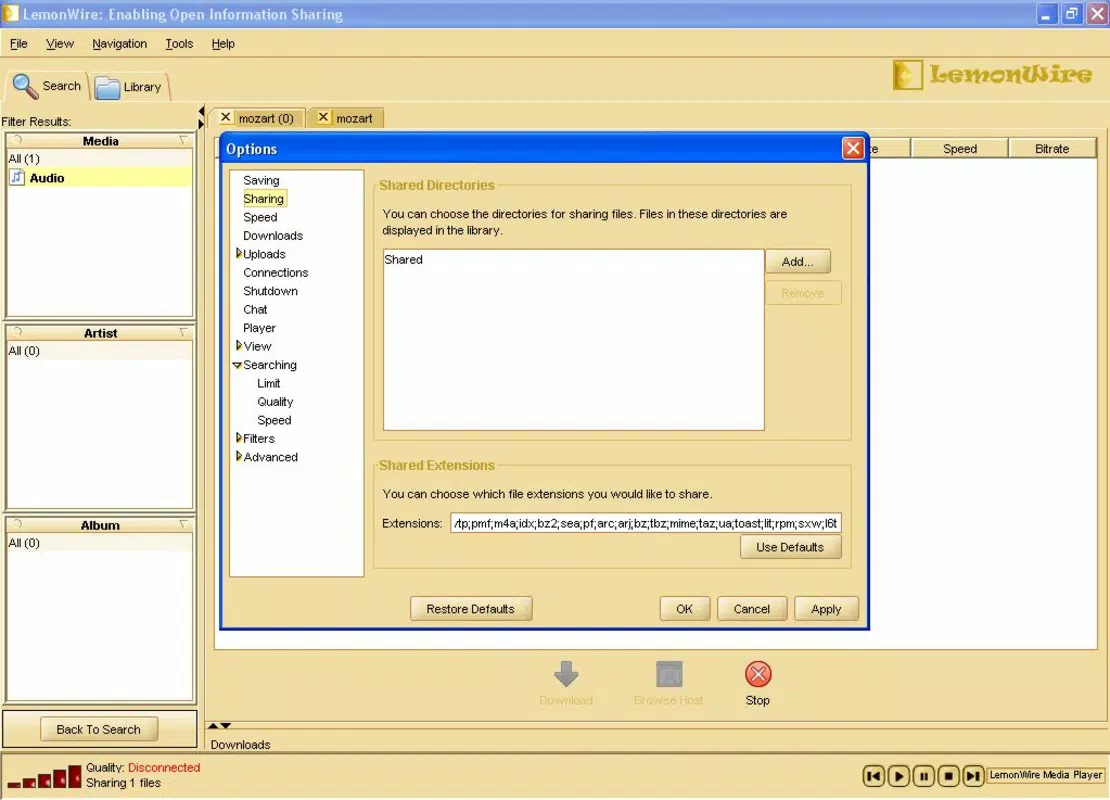
- Download and Upload Limits: Users can set custom bandwidth caps for both downloads and uploads. This functionality is especially useful for maintaining network performance on shared or metered connections, ensuring that file transfers do not interfere with other online activities.
- High-Speed Connection Optimization: Designed to leverage fast internet connections, LemonWire aims to minimize transfer times. This feature enhances productivity by enabling quicker access to large files, making it suitable for users who value efficiency in file sharing.
- Contact Search Functionality: The built-in contact search allows users to easily locate and connect with other LemonWire users. This feature fosters community interaction and simplifies the process of sharing files with trusted contacts, improving collaboration workflows.
For example, a user managing a music collection can use the audio-specific search to locate a rare track, then set upload limits to avoid slowing down their home network. Similarly, a remote worker sharing project files can use the transfer control feature to manage multiple downloads without disrupting video calls.
Interface, UX & Performance
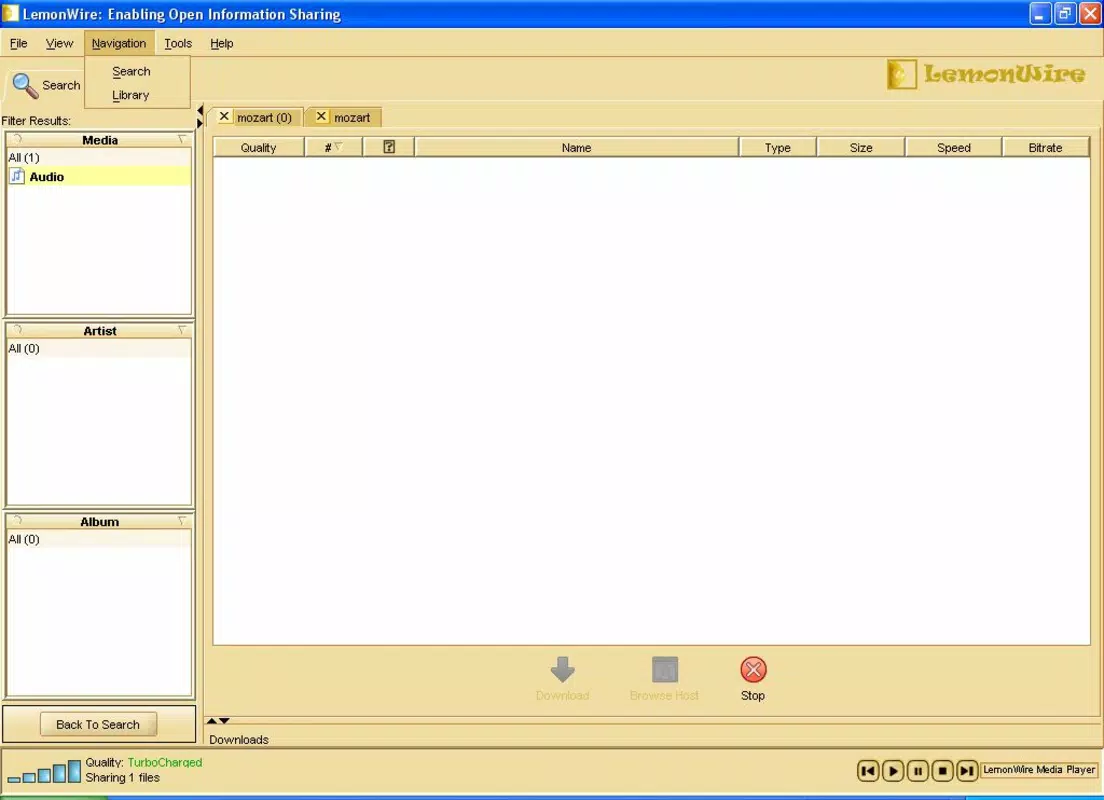
The user interface of LemonWire appears to be designed with functionality over aesthetics, prioritizing clarity and accessibility. While specific visual details such as color schemes or layout structure are not disclosed, the app’s purpose-driven design suggests a straightforward navigation flow focused on core tasks: searching, transferring, and managing files. Users can likely access search filters, transfer queues, and settings through intuitive menus or tabs, though exact UI patterns remain unspecified.
Navigation is expected to be linear and task-oriented, allowing users to move seamlessly from search to transfer without unnecessary steps. The app’s lightweight size of 4.2 MB indicates efficient memory usage, which may contribute to stable performance across a range of Android devices. Although the developer did not list formal performance metrics, the app’s continued availability suggests consistent operation and minimal crashes.
Responsiveness is likely optimized for basic file operations, ensuring that search queries return results promptly and transfer controls respond in real time. Stability across different device categories—such as budget smartphones, mid-range models, and older devices—can be reasonably assumed given the app’s minimal resource demands. However, specific compatibility details were not fully disclosed.
Platform Compatibility & Technical Requirements
LemonWire is available exclusively on the Android platform, with a software version of 1.0 and a file size of 4.2 MB. The app is currently offered free of charge, making it accessible to a broad user base. While the developer did not specify minimum OS requirements, the app’s release date of September 17, 2010, indicates it was designed for early Android versions, potentially supporting devices running Android 2.2 (Froyo) or later.
Given its age and lightweight nature, LemonWire may function on older Android devices that are no longer supported by newer applications. However, compatibility with modern Android versions (e.g., Android 12 or higher) cannot be confirmed without official documentation. Users should exercise caution when installing legacy apps, especially if they lack recent security updates.
For users seeking a secure and reliable file-sharing solution, it is recommended to verify the app’s source and ensure it is downloaded from trusted repositories to minimize risks associated with outdated software.
Pros and Cons
Pros
- Lightweight design at just 4.2 MB, ideal for low-storage devices.
- Free to download and use, offering value without cost.
- Specialized search options for efficient media discovery.
- Bandwidth management features help maintain network stability.
- File transfer control supports organized and prioritized workflows.
Cons
- App version is outdated (1.0), with no indication of recent updates.
- Developer did not provide OS compatibility details or update history.
- Security and privacy policies were not disclosed.
- Interface design details were not shared, limiting visual expectations.
- Potential compatibility issues with newer Android versions.
FAQ
Is LemonWire safe to install on Android?
While LemonWire is available for free, the developer did not provide security or privacy policies. Users should download the app only from trusted sources to reduce the risk of malware or unauthorized access.
Can I use LemonWire on older Android devices?
Given its release date and small file size, LemonWire may run on older Android devices. However, compatibility with modern systems is uncertain without official requirements.
Does LemonWire support iOS?
LemonWire is currently available only on Android. There is no information indicating iOS support or future plans for cross-platform release.
How do I manage bandwidth usage with LemonWire?
Users can set custom download and upload limits within the app settings, allowing them to control bandwidth consumption during file transfers.
Is LemonWire regularly updated?
The app’s current version is 1.0, and no recent update history was provided. Users should expect limited or no future updates.
Final Thoughts
LemonWire remains a functional, no-frills tool for users seeking a lightweight solution for file sharing and media search on Android. Its ability to deliver targeted searches, control file transfers, and manage bandwidth makes it a practical utility for those operating in bandwidth-constrained environments or managing large media collections. Despite its age and lack of modern updates, the app’s core features continue to serve a niche audience that values simplicity and efficiency.
While newer alternatives may offer enhanced security, modern interfaces, and cloud integration, LemonWire stands out for its minimal resource usage and straightforward functionality. It is best suited for users with older devices, those on limited internet plans, or individuals who prefer offline, peer-to-peer file management without the complexity of cloud services.
For anyone needing a reliable, free, and lightweight file-sharing tool on Android, LemonWire offers a proven, if dated, solution. Download LemonWire now.